
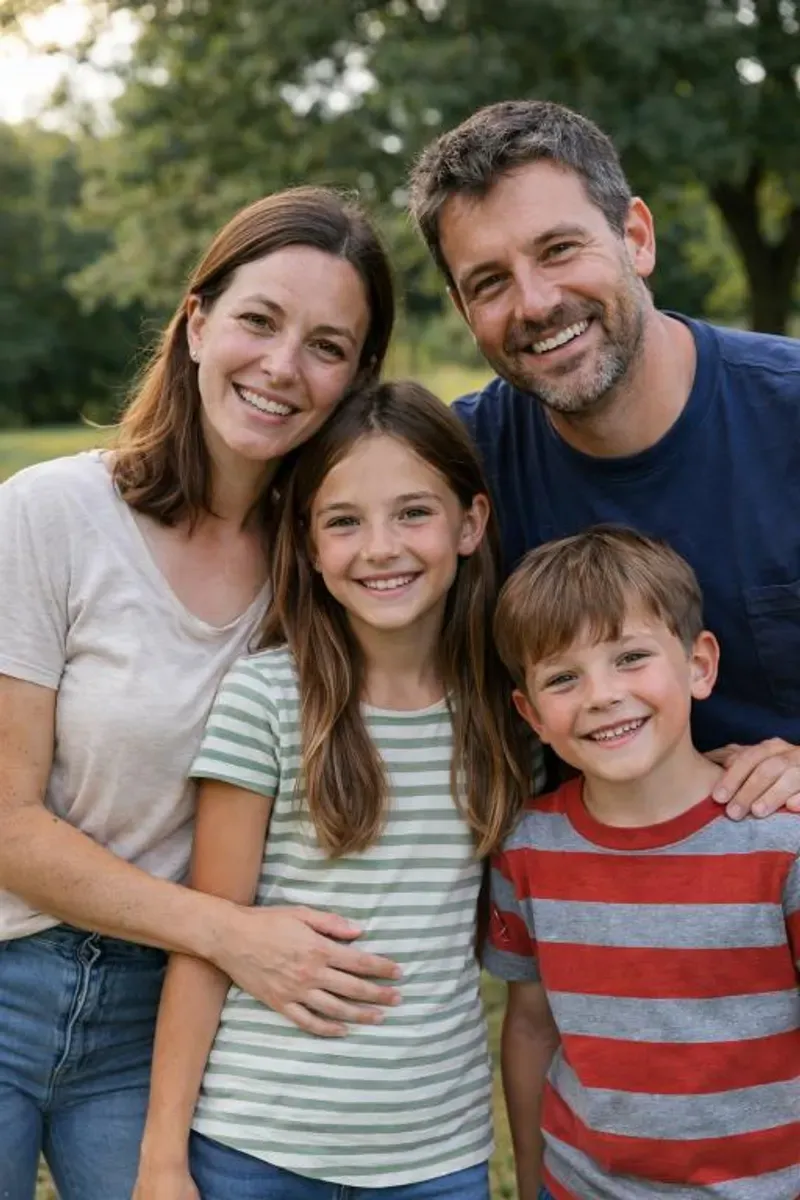
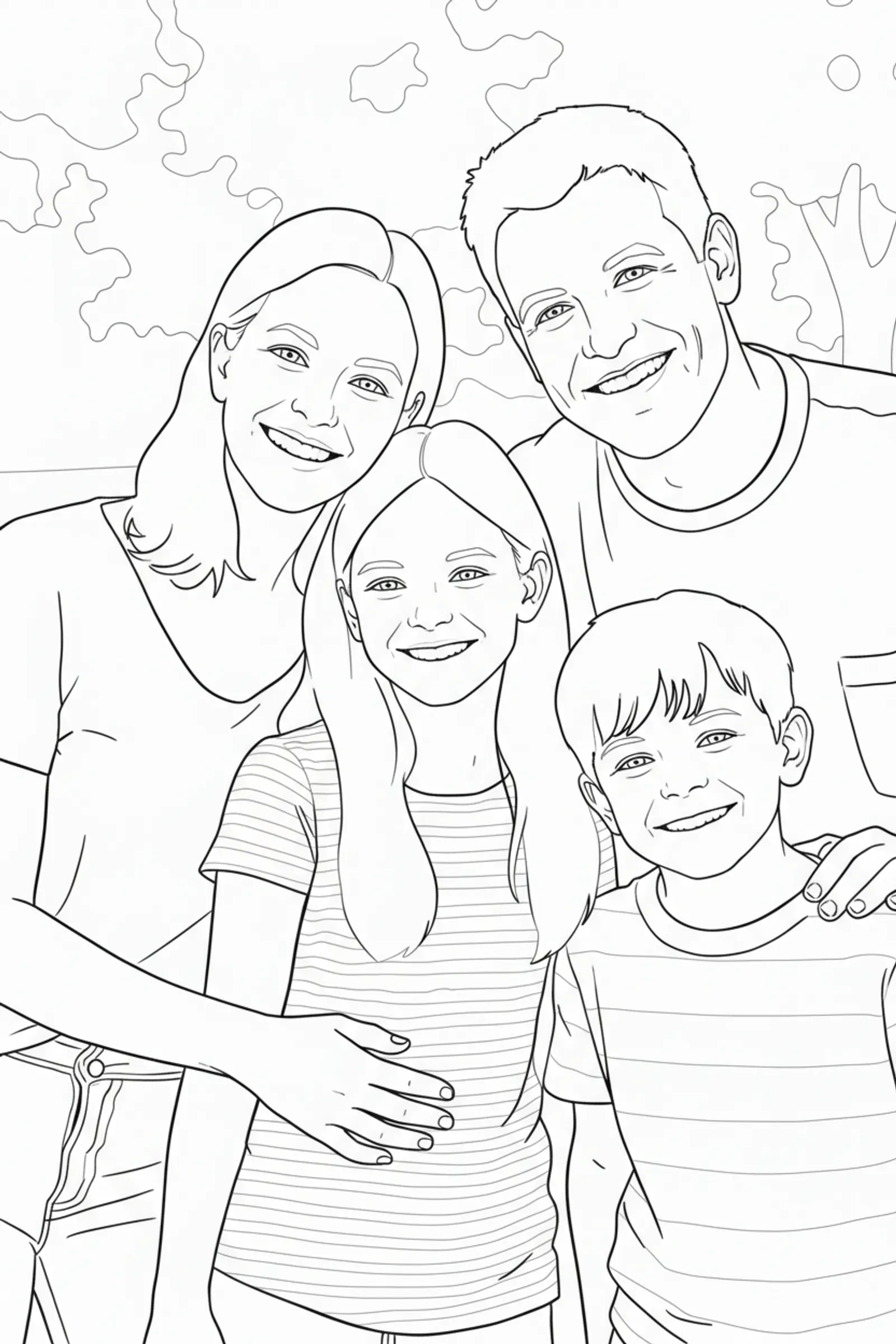
Start with the faces
Open the photo at a larger size and look at the eyes, hair and expression. A tiny face in a crowd gives less detail to work with than a closer portrait. Avoid faces cut off at an edge and hands or objects hiding an important expression.
For young children, simple scenes and larger characters make pages easier to explore. For someone who enjoys detailed drawings, include a richer setting. The preview of your own photo is the best way to judge how complex the result will be.
Clear light and an original file
A very dark photo can hide facial features. Backlighting sometimes turns people into silhouettes. Look for light that lets you see the subject rather than a dramatic effect. You don't need to retouch every image.
Choose the original phone file when you can. A screenshot or an image repeatedly saved through messaging apps may lose detail. Enlarge the photo: outlines should remain readable, without large blocks or heavy blur.
Build a little story in fifteen images
This is a starting point, not a rule. Change the categories to suit your story. A book about a dog can include fifteen of that dog's adventures. A grandparents' gift can feature several grandchildren and the moments they share.
- Three portraits: the recipient and people close to them.
- Three shared moments: games, cooking or a walk.
- Three outings: holidays, the park or a family visit.
- Three familiar details: a pet, activity or favourite place.
- Three memories you especially love looking back on.
Landscape, portrait and framing: check the edges
Inside pages are portrait A4 with margins. The small preview has the same proportions. A horizontal photo is rotated to fill the inside page; some edges may be cropped. Don't assume the whole original file will appear without checking the preview.
The cover uses an upright image, with a frame that adapts to its orientation. It shouldn't reuse a small thumbnail rotated for an inside page. Check the face and space around the subject when you change cover designs.
Before ordering: four things to check
Look at facial likeness, the clarity of the colouring page, framing and a consistent style. Photo + colouring keeps your reference photos as they are. The other styles interpret them: compare the result with the memories you want to preserve.
Replace a photo or change the page order in the editor. Put a strong image first and finish with a memory that makes you smile. That makes a more enjoyable book than a random selection.